

Backed by real reviews
Maximizer is rated a leading CRM on G2, the independent software review site.


Trusted by UK financial services firms



















Give every client the attention your top accounts already get
Recurring work is only recurring while the relationship holds. Maximizer keeps client records, renewals, and follow-ups on track without anything slipping through the cracks.
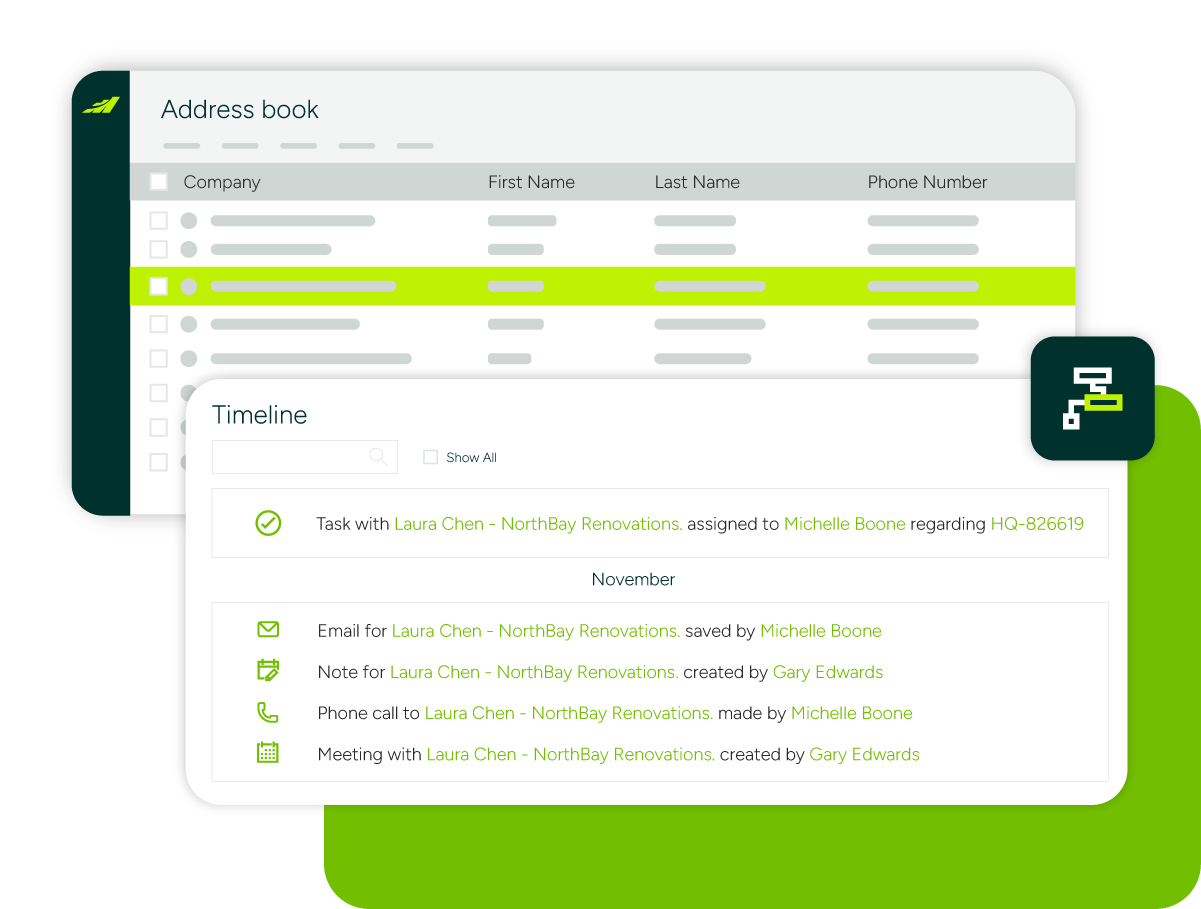
Complete client records
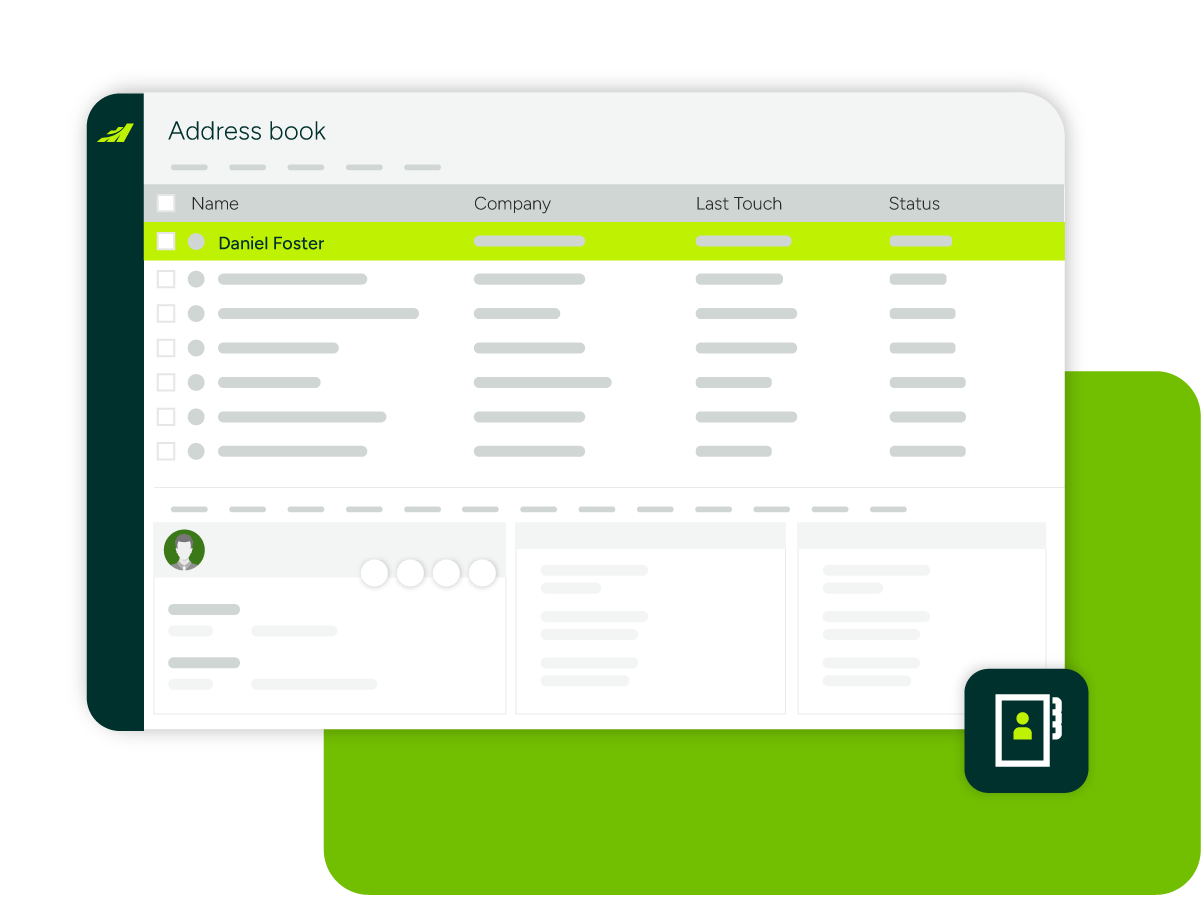
Every engagement, conversation, and document is stored against the client, so any partner or fee earner can pick up the relationship informed.
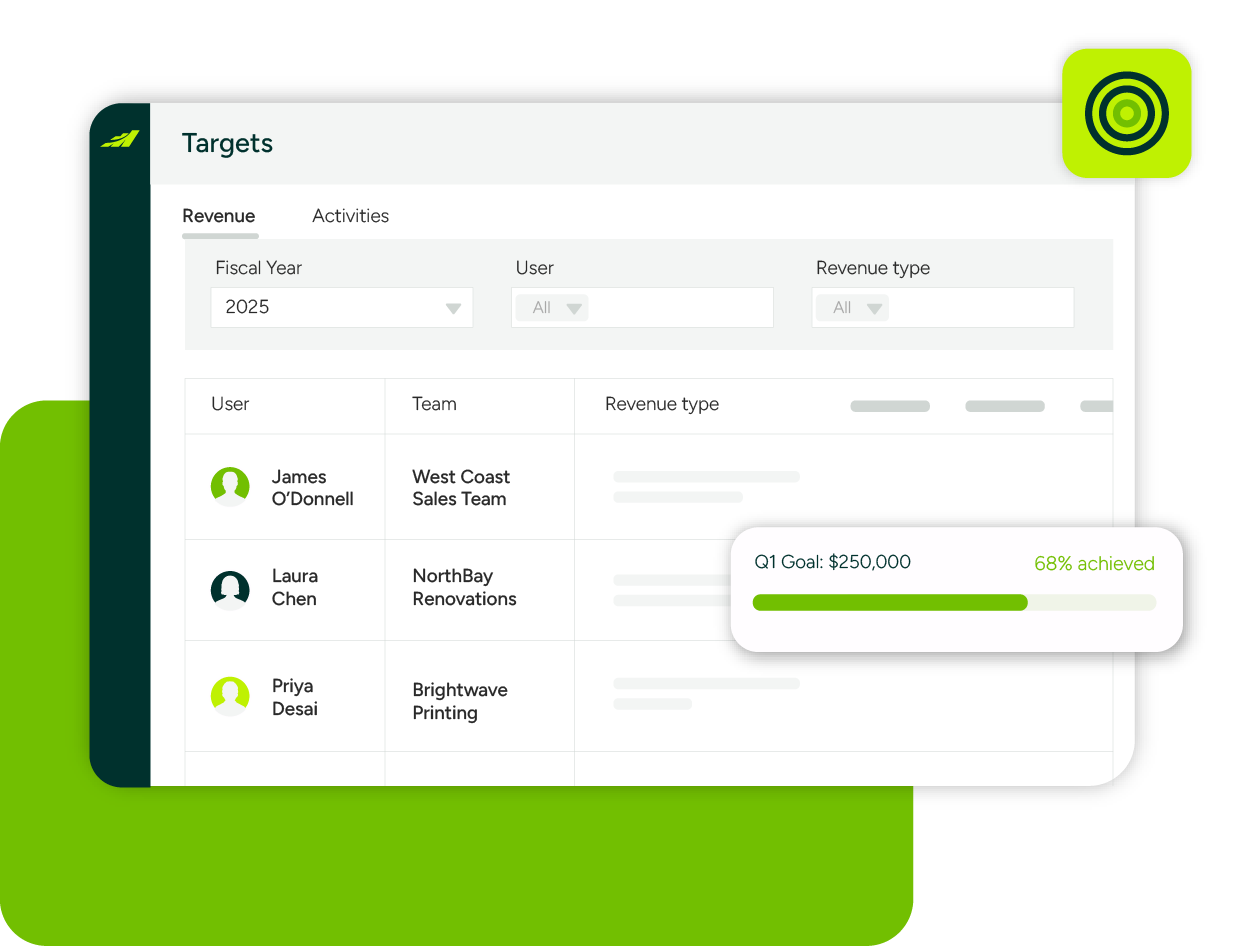
Renewal and recurring work visibility
See which annual engagements are coming up, which clients are underserved, and what fee income actually looks like this year.
Automated follow-ups
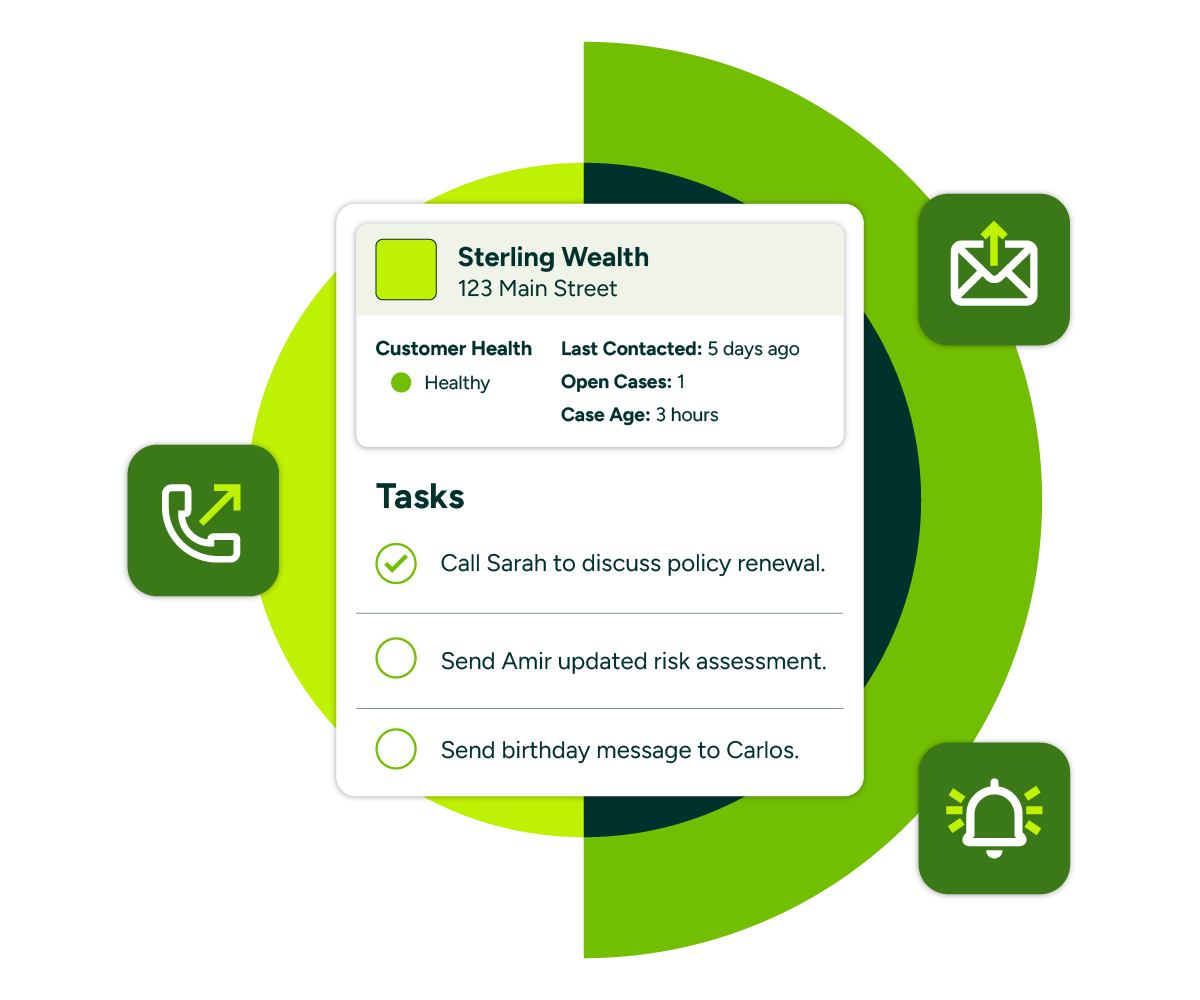
Reminders and workflows keep annual reviews, renewals, and check-ins happening on time. Every client gets the same attention, not just the loudest.
Compliance and access controls
Set access rights by user and record type, and rely on a full audit trail of interactions and field-level changes when reviews demand it.

Run a smoother, more predictable firm
Maximizer helps professional services firms protect recurring income, deepen client relationships, and make decisions on real data.

Keep every client close
Log calls, emails, and meetings against the client, straight from Outlook.
Set reminders for annual engagements, renewals, and clients who have gone quiet.
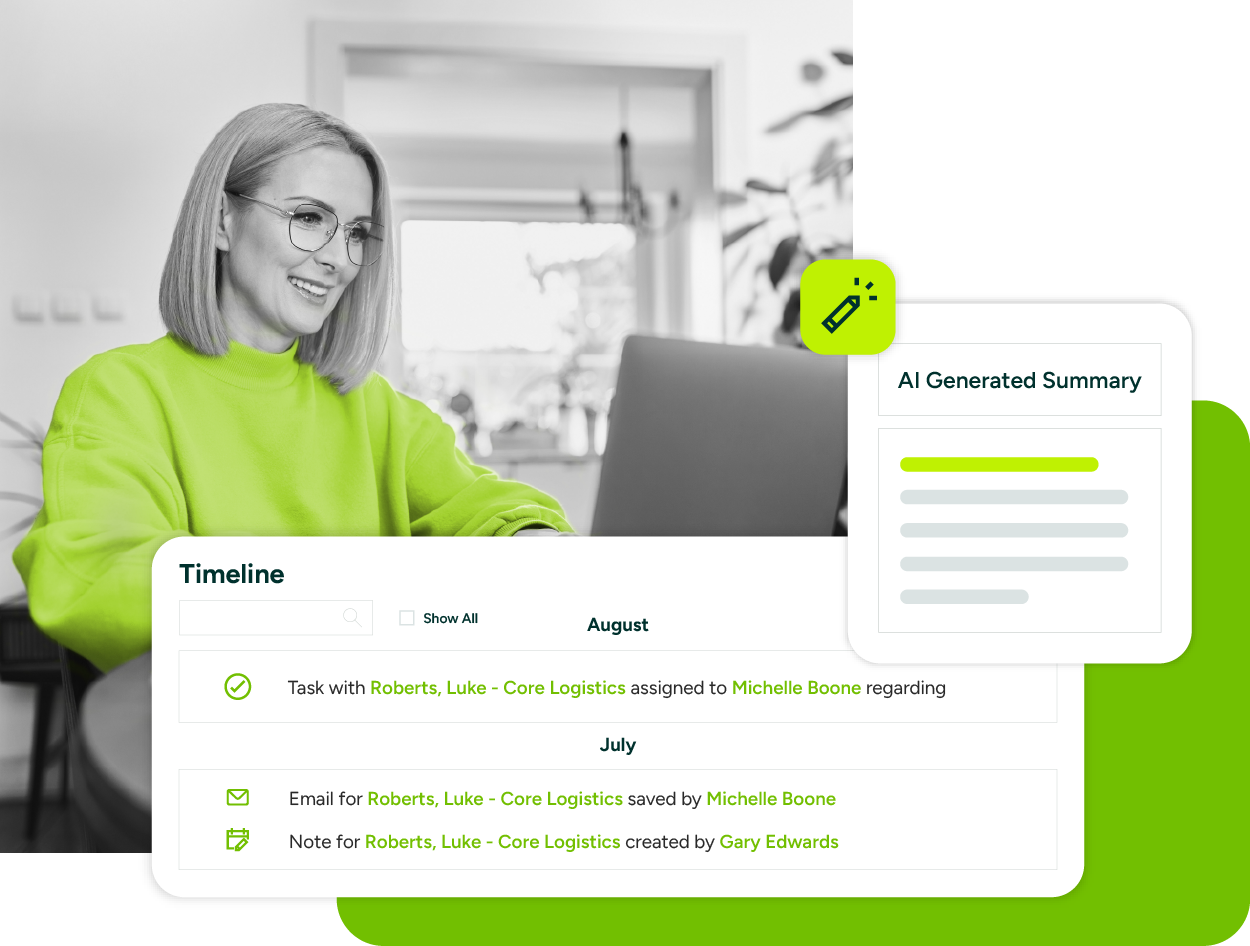
Summarise years of interaction history with AI before you pick up the phone.
See the full picture
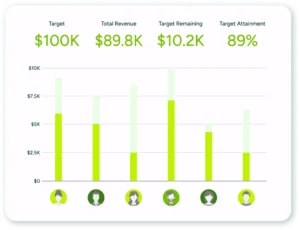
Track fee income, pipeline, and renewals on real-time dashboards.
Report on where new work comes from: referrals, existing clients, and new business.
Pull through finance data so reports reflect today, not last month’s export.
Make it fit your firm
Customise fields, workflows, and reports without code or consultants.
Work from the Microsoft 365 tools your team already uses.
Get full access from a phone, at a client’s office, or between meetings.
Why professional services firms choose Maximizer

Built for long-term client relationships
Keep the whole firm informed: Any partner or fee earner sees the full client picture, so service does not depend on one person’s memory or inbox.
Never miss the annual cycle: Renewals, year-ends, and review meetings are tracked automatically, with reminders sent client by client.
Grow through referrals: Track who refers work and thank them properly. Referral sources are an asset worth managing.
Works with what you already run
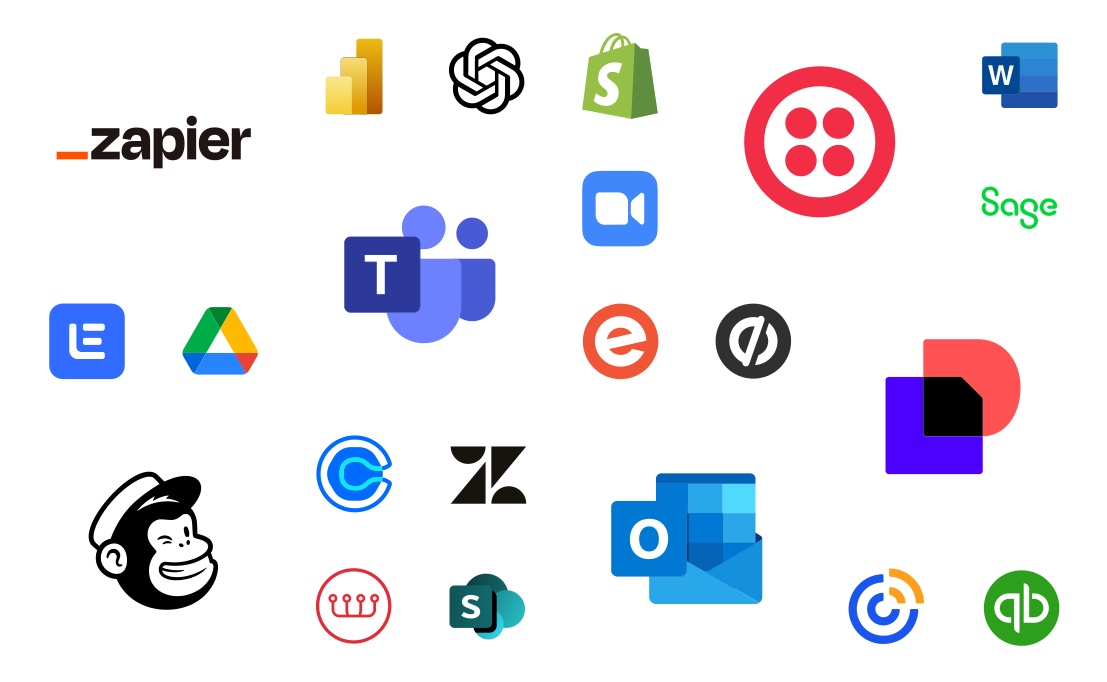
Live in Outlook: Tired of chasing client threads across inboxes and spreadsheets? Maximizer keeps you organised without changing how you work.
Connect your finance tools: See client and fee data in one view, whether you run Sage, Xero, or QuickBooks. No more double entry.
One record per client: Engagements, documents, contacts, and conversations stay in one place, shared across the firm.

Up and running without an IT project
Simple setup: Step-by-step guidance from our support team, no lengthy training programme needed.
Configure, don’t code: Tailor the system to how your firm works through an interface built for ease of use.
Local support: Implementation and ongoing help from Maximizer’s UK and Ireland business partners.
Companies choose to partner with Maximizer
Learn why people love Maximizer

Top CRM Solutions for Sales Teams in the UK: 2026 buyer’s guide
The top CRM solutions for sales teams UK buyers shortlist are the ones reps keep updating and managers can forecast from. Judge each on six criteria: published price in pounds, how seats and add-ons...

Top CRM Solutions for Distributors in the UK: How to choose the right fit
The top CRM solutions for distributors in the UK hold each trade account's order history and agreed pricing, connect to your accounting or ERP system, and document where your data is hosted....

Top CRM Solutions for Consultancies in the UK: 2026 Buyer’s Guide
The top CRM solutions for consultancies in the UK share five traits: they track relationships and proposals, publish clear sterling pricing, answer UK data hosting questions in writing, know where a...
Try Maximizer Today
Clients rarely complain before they leave; they just stop coming back. See how Maximizer keeps every client relationship, renewal, and follow-up on track, without an enterprise CRM price tag or implementation project.
Frequently Asked Questions
What makes Maximizer a good CRM for professional services firms?
Professional services run on recurring relationships, and recurring work only recurs while clients feel looked after. Maximizer stores every engagement, conversation, and document against the client, tracks annual cycles and renewals, and reminds fee earners to stay in touch consistently. Access controls and a full audit trail support the compliance obligations firms carry. It is a practical CRM for professional services, without the complexity or cost of enterprise platforms.
How does Maximizer handle confidentiality and access rights?
Access can be set by user and record type, so sensitive client information is visible only to the people who should see it. Every interaction is logged, and changes are tracked at field level, giving you a clean audit trail for internal reviews and regulatory obligations.
Can Maximizer track recurring and annual work?
Yes. Annual engagements, renewals, year-ends, and review meetings are tracked against each client with automated reminders, so the cycle runs on the system rather than on one partner’s memory. Dashboards show which recurring engagements are coming up, which are at risk, and which clients have capacity for more work, giving the firm a forward view of fee income.
Does Maximizer work with Microsoft 365?
Yes. Emails and meetings are logged against the client record straight from Outlook, so relationship history builds automatically. Documents, contacts, and conversations stay attached to the client, and finance tools such as Sage, Xero, and QuickBooks connect alongside, keeping client and fee data in one view across the firm.
How quickly can our firm be up and running?
Faster than you would expect from a CRM implementation. Maximizer is configured through the interface rather than code, so you can tailor fields, workflows, and reports to how your firm works without an IT project. Our customer support team provides step-by-step setup guidance, and UK-based business partners are available for hands-on implementation help. Teams used to Outlook and spreadsheets typically find the system familiar from day one.
