


Backed by real reviews
Maximizer is rated a leading CRM on G2, the independent software review site.


Trusted by UK financial services firms
















Keep fast-moving accounts on track with practical tools
Margins are tight and projects do not wait. Manage orders, relationships, and compliance without anything slipping through the cracks.
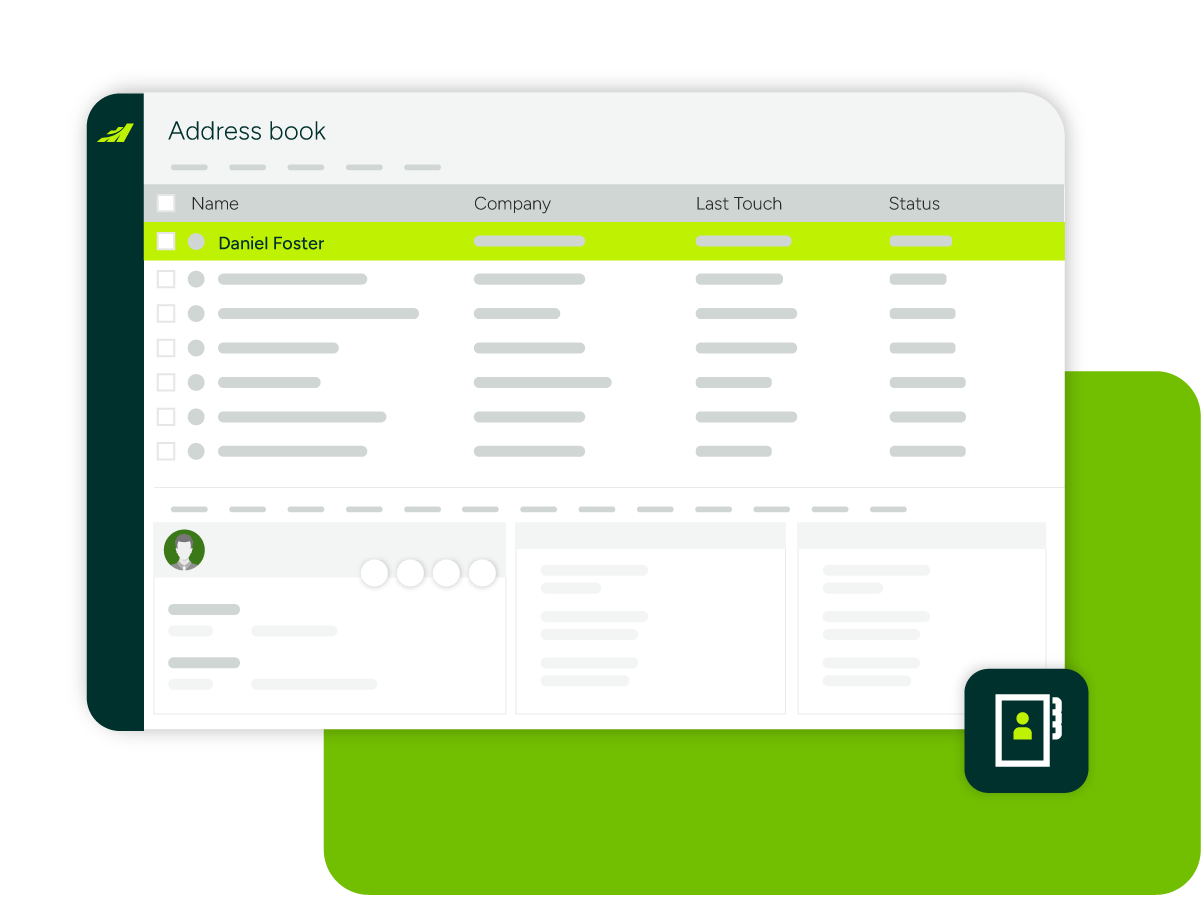
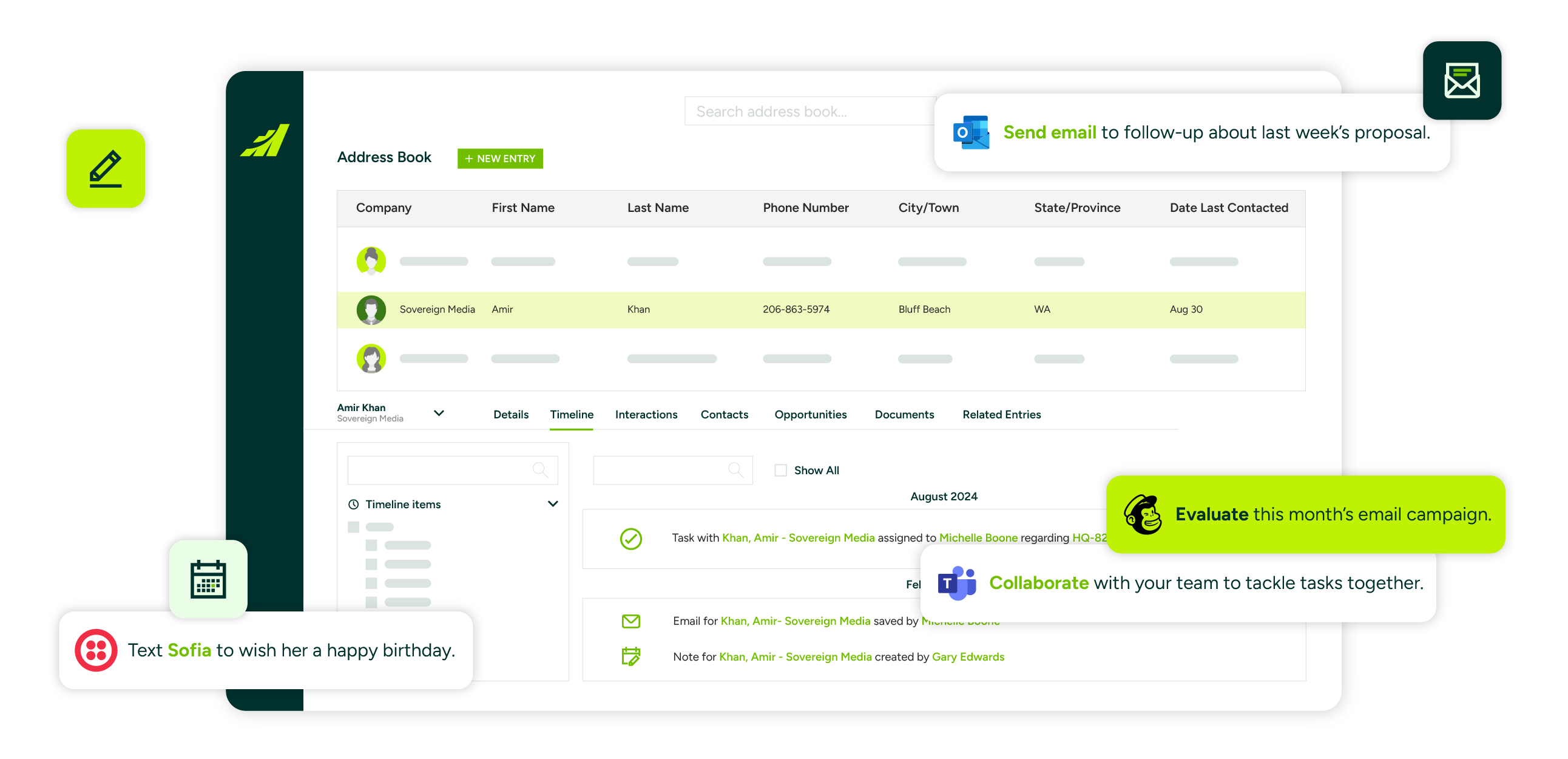
Centralised client and project records
Link accounts to projects, sites, and every stakeholder involved, from contractors and architects to buyers, so no history walks out the door when staff changes.
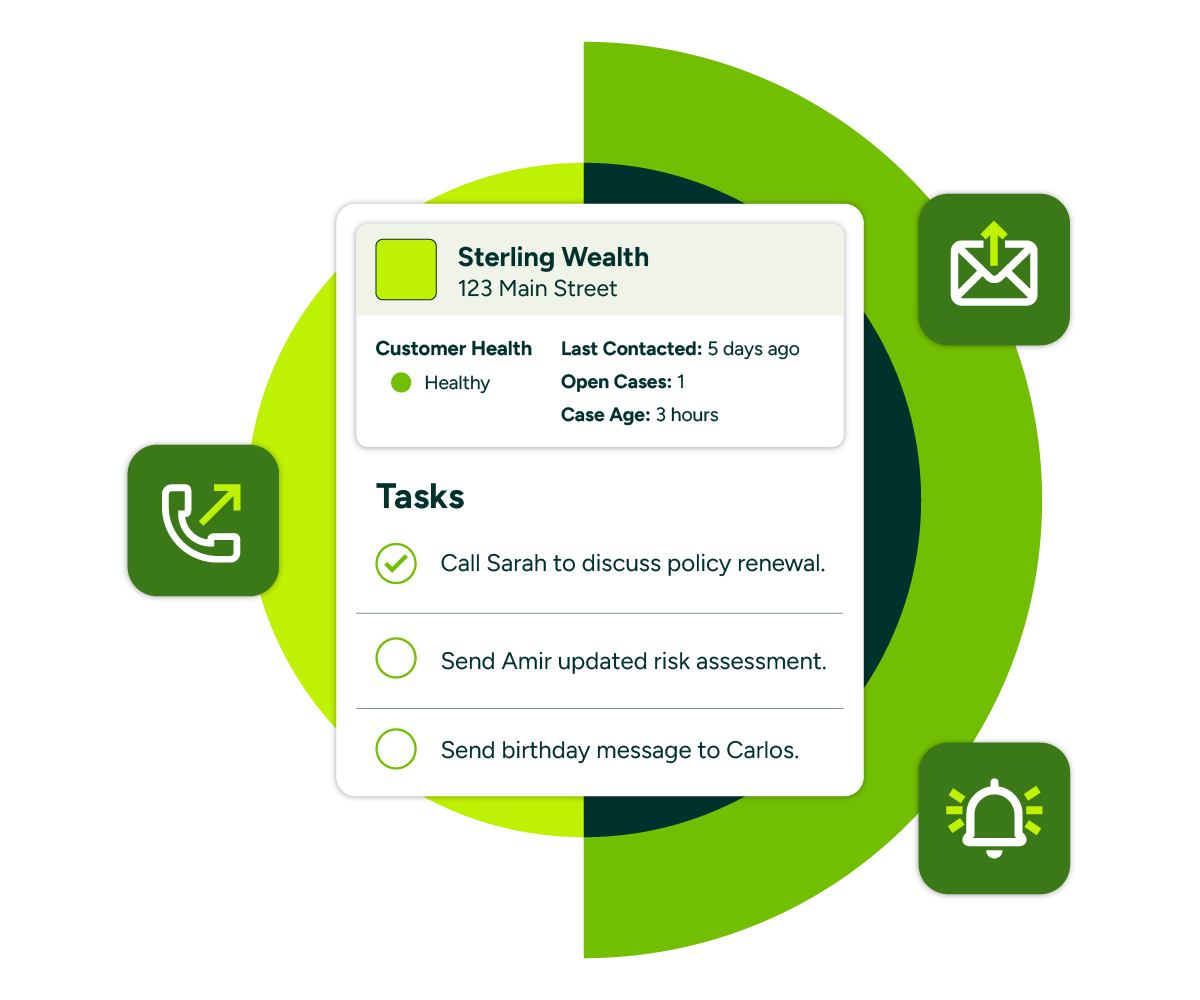
Order and delivery visibility
Track the status of quotes, orders, and deliveries in real time with alerts for delays, missed approvals, and urgent follow-ups.
Automated follow-ups
Reminders and workflows ensure every enquiry gets answered and every account review happens on time, even when the team is stretched.
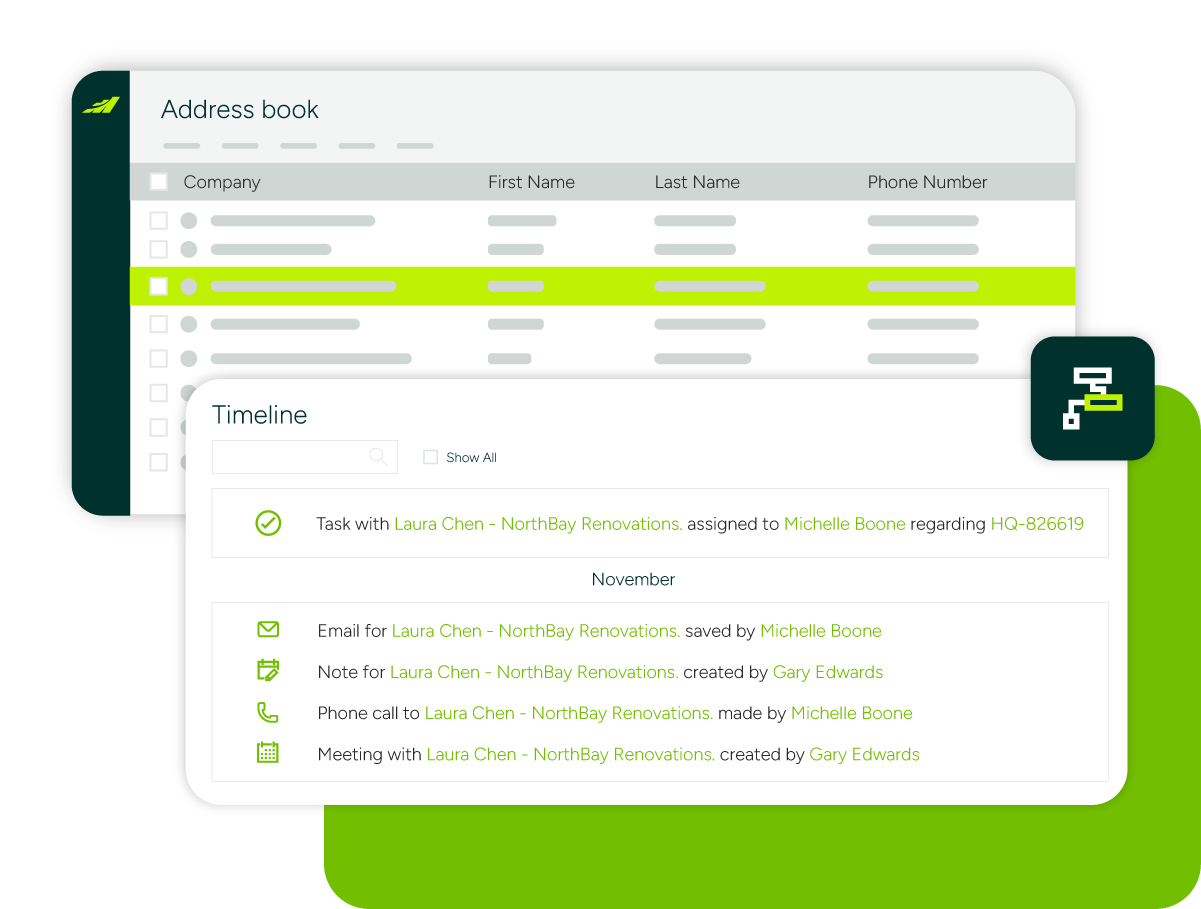
Compliance and documentation
Store certifications, safety sheets, warranties, and contracts against client and project records, with an audit trail when disputes need settling.
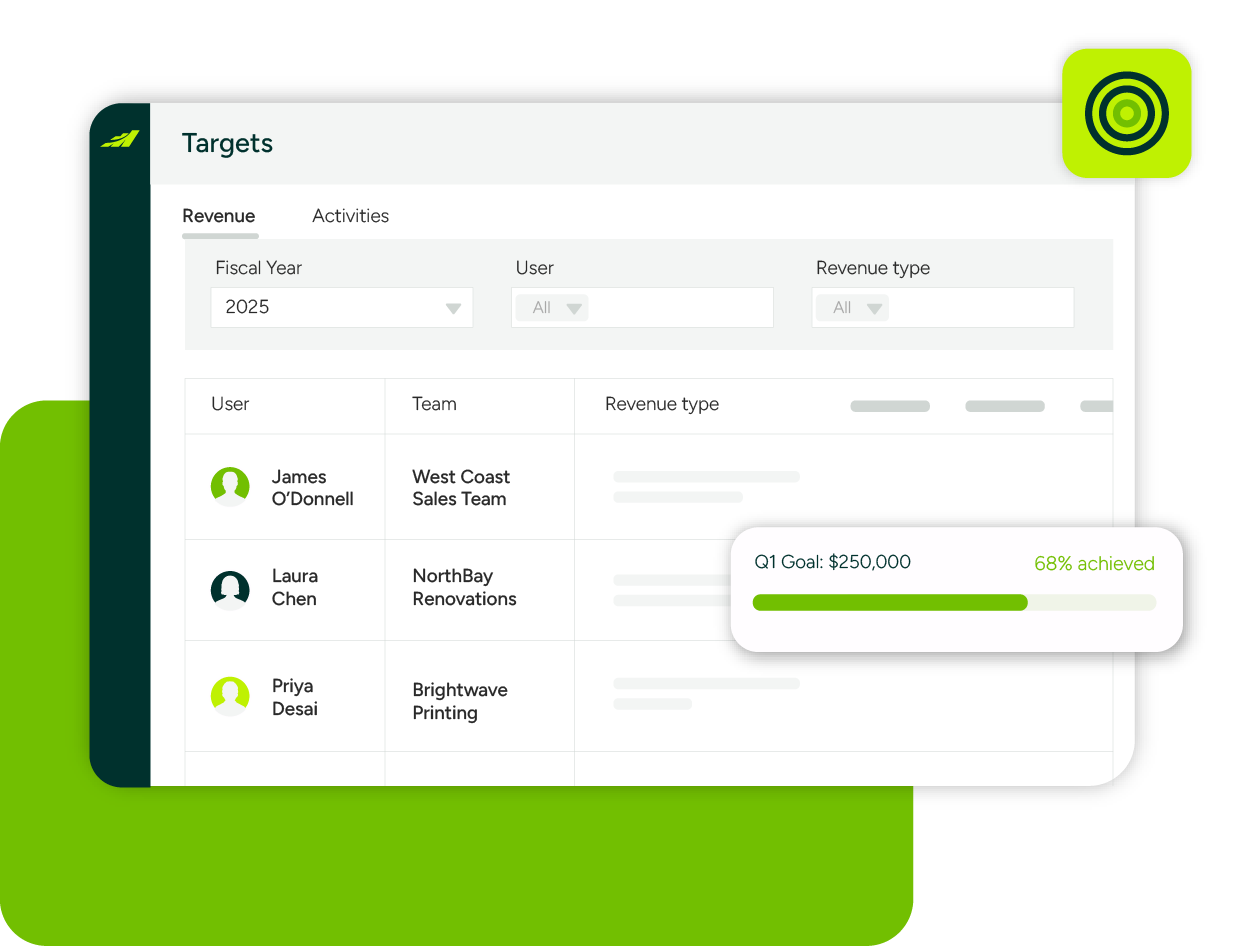
Run a smoother, more predictable sales operation
Maximizer helps construction suppliers protect margins, win repeat business, and make decisions on real data.
Keep every account moving
Log calls, emails, and site visits against the account, straight from Outlook.
Set reminders for delayed orders, missed approvals, and accounts that have gone quiet.
Summarize years of interaction history with AI before you pick up the phone.
See the full picture
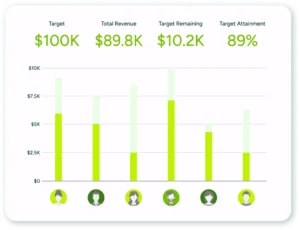
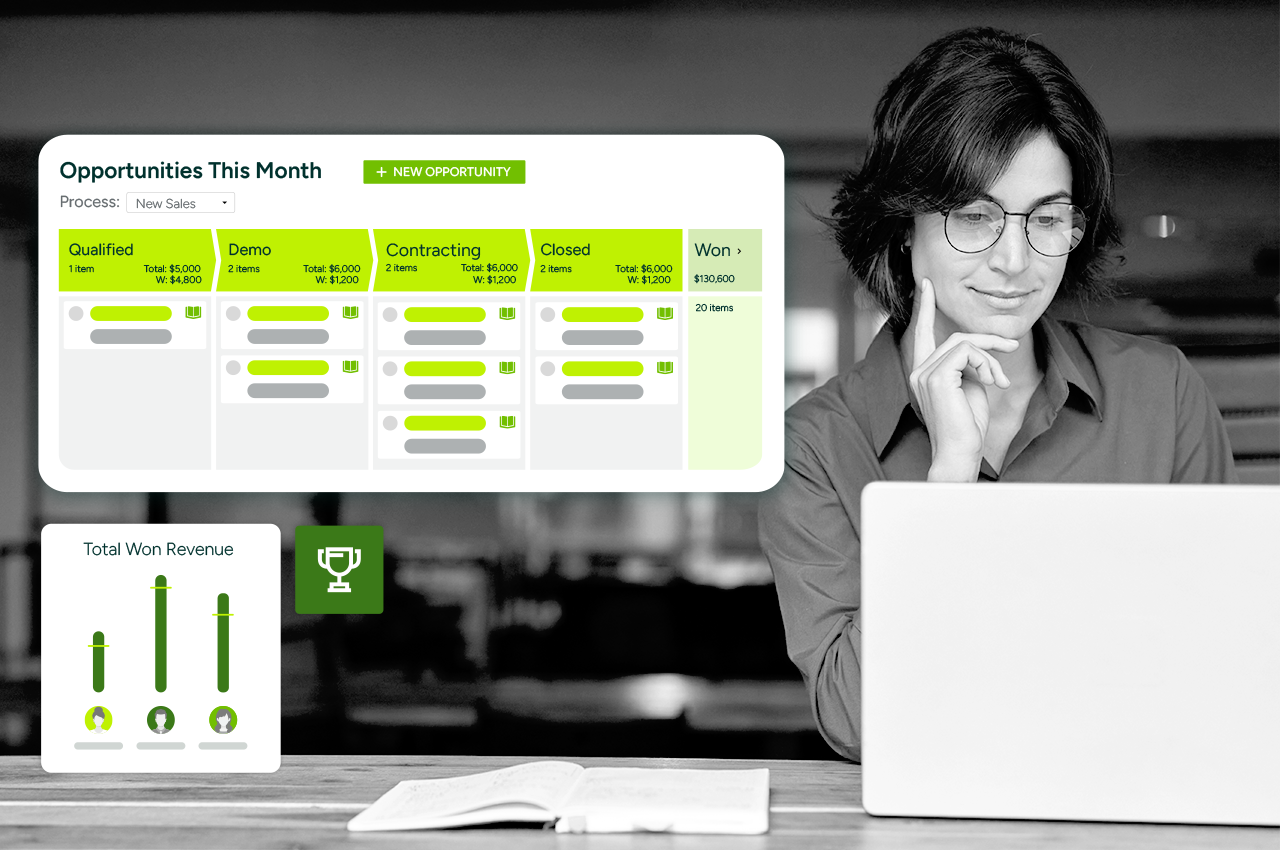
Track pipeline health and revenue potential on real-time dashboards.
Report on repeat orders, seasonal demand, and credit risk.
Pull through ERP and finance data so reports reflect today, not last month’s export.
Make it fit your business
Customize fields, workflows, and reports without code or consultants.
Work from the Microsoft 365 tools your team already uses every day.
Give your team full access from their phone, on site, in the yard, or in the office.
Why construction suppliers choose Maximizer
Built for project-based relationships
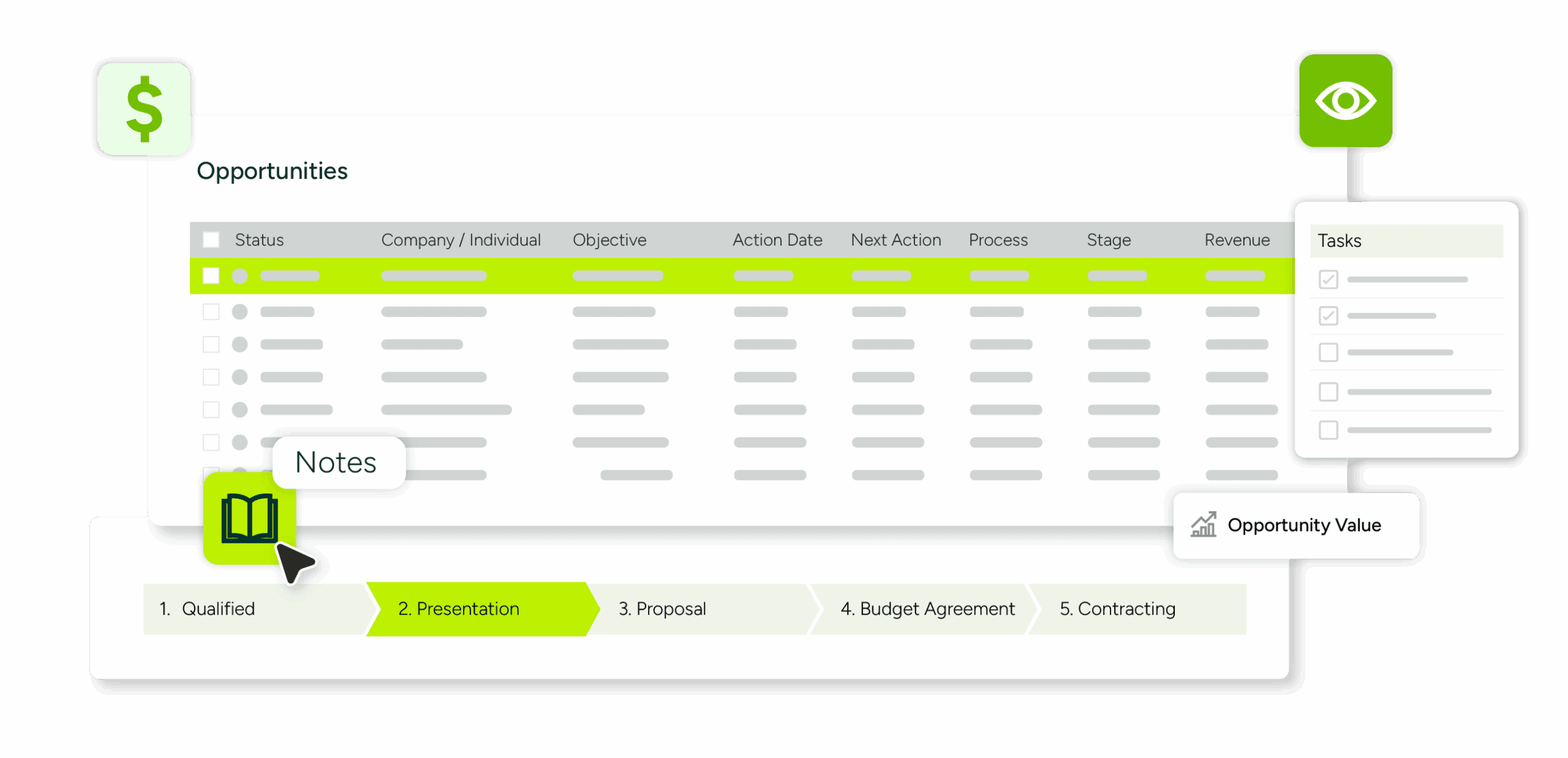
Track every stakeholder: Record contractors, subcontractors, and project managers against each account, so relationships survive staff changes on both sides.
Win repeat business: Segment key accounts, repeat customers, and high-margin clients, and give each the attention that keeps them ordering.
Respond fast when things go wrong: Capture service issues and complaints alongside order records, so account managers act before a problem costs the relationship.
Works with what you already run
Connect your ERP and finance system: Sales and delivery teams see the same data, whether you run Sage, Xero, QuickBooks, or a full ERP. No more double entry.
Live in Outlook: Tired of chasing orders across inboxes and spreadsheets? Maximizer keeps you organised without changing how you work.
One record per customer: Quotes, orders, complaints, and certificates in one place, shared across the business.


Up and running without an IT project
Simple setup: Step-by-step guidance from our support team, no lengthy training programme needed.
Configure, don’t code: Tailor the system to your sales process through an interface built for ease of use.
Local support: Implementation and ongoing help from Maximizer’s UK and Ireland business partners.
Companies choose to partner with Maximizer
Learn why people love Maximizer

Top CRM Solutions for Sales Teams in the UK: 2026 buyer’s guide
The top CRM solutions for sales teams UK buyers shortlist are the ones reps keep updating and managers can forecast from. Judge each on six criteria: published price in pounds, how seats and add-ons...

Top CRM Solutions for Distributors in the UK: How to choose the right fit
The top CRM solutions for distributors in the UK hold each trade account's order history and agreed pricing, connect to your accounting or ERP system, and document where your data is hosted....

Top CRM Solutions for Consultancies in the UK: 2026 Buyer’s Guide
The top CRM solutions for consultancies in the UK share five traits: they track relationships and proposals, publish clear sterling pricing, answer UK data hosting questions in writing, know where a...
Try Maximizer Today
Missed follow-ups and lost paperwork cost suppliers real revenue. See how Maximizer keeps every quote, order, and account review on track, without an enterprise CRM price tag or implementation project.
Frequently Asked Questions
What makes Maximizer a good CRM for construction suppliers?
Construction supply is fast-moving and margin-sensitive, and most revenue comes from accounts you already serve. Maximizer stores every quote, order, conversation, and complaint against the account, so whoever picks up the phone knows exactly where things stand. Alerts flag delays and missed approvals before they cost you a project, and reminders keep account reviews happening consistently. Maximizer is a practical CRM for construction suppliers, without the complexity or cost of enterprise platforms.
Can we link customers to projects, sites, and multiple stakeholders?
Yes. A single project can involve contractors, subcontractors, architects, project managers, and buyers, and Maximizer records them all against the relevant accounts, projects, and sites. When a contact moves to a new firm or a new phase starts, the history stays intact. That matters in an industry where relationships often outlast individual projects, and where knowing who influenced the last order helps you win the next one.
Does Maximizer integrate with our finance system or ERP?
Yes. Maximizer connects with everyday tools such as Microsoft 365, Sage, Xero, and QuickBooks, and with ERP systems, so customer, order, and pricing data flows across the business rather than sitting in silos. Sales and delivery teams work from the same up-to-date picture, double entry disappears, and management reports on real numbers. Maximizer’s UK business partners can scope custom integrations where you need them.
Can our team use Maximizer on site or in the yard?
Yes. The Maximizer mobile app gives your team full access to accounts, contacts, orders, and pipeline from a phone or tablet, whether they are on site, in the yard, or on the road. Notes from a site visit go straight into the account record, and follow-up tasks are set on the spot. Everyone back at the office sees the same up-to-date picture, so nothing depends on a Friday write-up.
How does Maximizer help with compliance and documentation?
Certifications such as ISO, CE, and BSI can be stored and linked to the relevant projects, alongside safety sheets, warranties, and contracts, so documents are found in seconds rather than dug out of shared drives. Every interaction is logged with an audit trail, which makes dispute resolution and compliance reviews a breeze. When a customer questions an agreement, the record is already there.
