


Increase Sales Productivity with Maximizer Connect for Microsoft Outlook 365
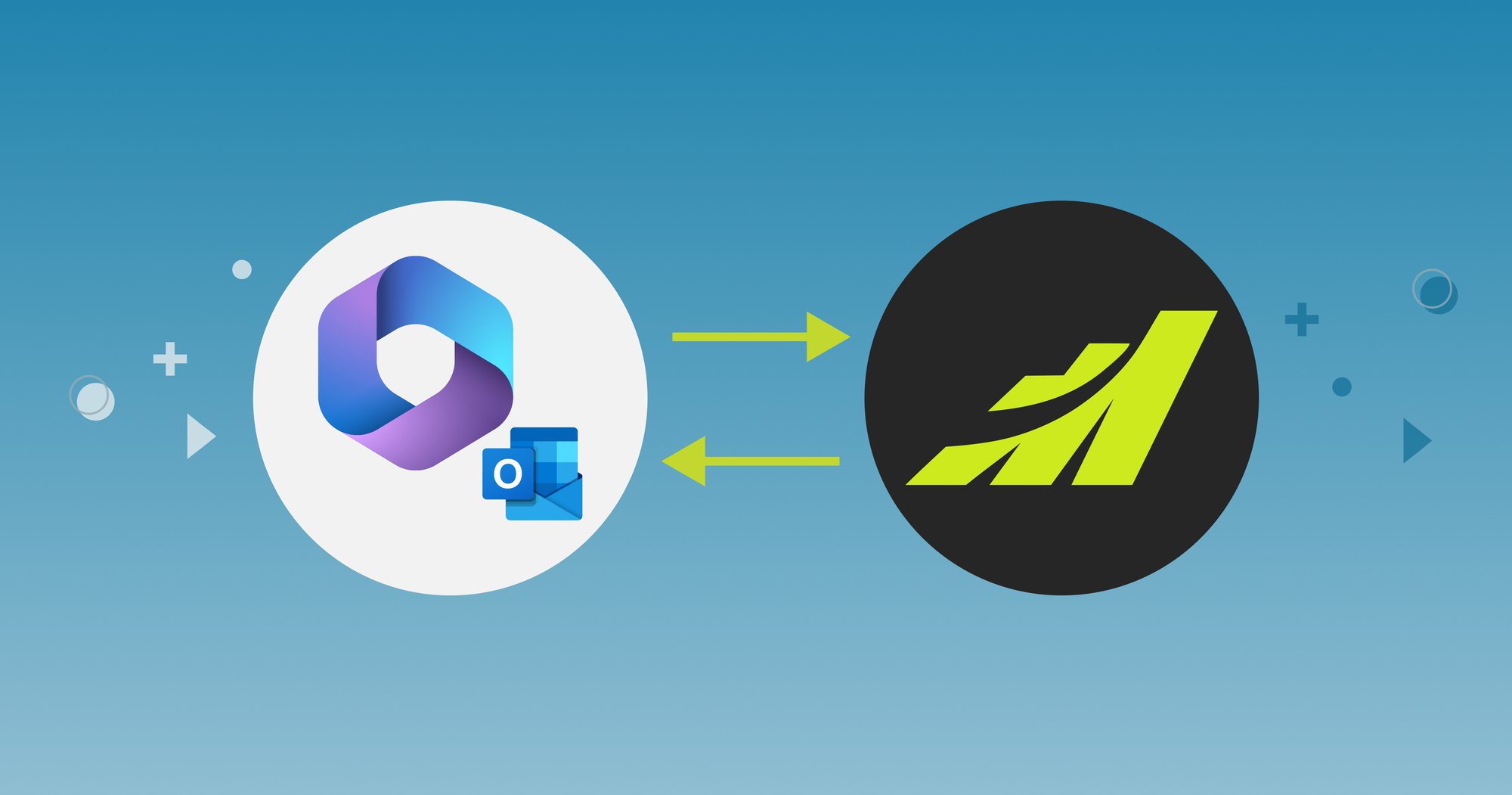
Use your favourite email app to update Maximizer.
About Outlook Integration
One of Maximizer’s most popular software integrations is with Microsoft Outlook, a leading email, calendar, and task management application. Maximizer Connect for Microsoft Outlook 365 is a free web application, supported by Maximizer, that is available on any platform supporting Outlook 365 (Microsoft’s web version) or the classic desktop application (Outlook 2016 or later). By connecting Maximizer to Outlook, sales leaders can give their teams more time to sell by using ONE application – Outlook! – to seamlessly update the other (Maximizer). No more cutting and pasting contacts, emails, and appointments, involving multiple steps, and risking data integrity & missing information – one click inside of Outlook and the job is done.
Three Key Benefits for Sales Leaders Connecting Maximizer to Outlook:
1. Increase Productivity. If you’re a salesperson who spends time in both email and CRM applications, you can now stop flipping between applications by working in Outlook and using the data in front of you to make changes in Maximizer. (see How it Works below)
2. Increase Sales. Automating updates between Maximizer and Outlook means you can increase your response time to prospects and customers, and eliminate the time wasted on manual tasks… leaving more time for prospecting, follow-ups, and winning more business.
3. Avoid Integration Costs. Maximizer Connect for Outlook 365 is free for Maximizer customers and is fully supported by Maximizer’s legendary software engineering and customer service teams.

How it Works
From an Outlook email, a user can:
- Create contacts, leads or organizations
- Save a message to a Maximizer entry
- Create a new opportunity
- Search for and add Maximizer contacts as recipients of outgoing Outlook emails
From Outlook Contacts, a user can:
- View a timeline of historical events
- Retrieve current details on customers and prospects
- Displays opportunity totals on contacts for deals that are in progress as well as won deals.
From Outlook’s Tasks or Calendar, a user can:
- Create tasks, appointments, call interactions and notes in Maximizer
- Get current information of upcoming activities
The best part of all this? : it takes one minute to install.
With Maximizer and Outlook, sales leaders can streamline common tasks in their sales process so that their teams can spend their time pitching customers and closing deals. And they can do it faster, without switching between the applications they use every day.
For more information on Maximizer’s Outlook integration, please see our Outlook Integration page.
For more information on Maximizer, visit us at: http://uk.maximizer.com
Subscribe to our Newsletter
Related Articles
